

How to Protect Your Home Computer Like a Cybersecurity Pro
3 min read • 11 views
Unknown Author
April 15, 2026
Introduction
Think of your home computer as your house you wouldn't leave the front door unlocked or hand strangers your keys. Cybersecurity follows the same logic: simple locks keep intruders out. Here's your step-by-step guide to pro-level protection.
1. Use Strong, Unique Passwords for Everything
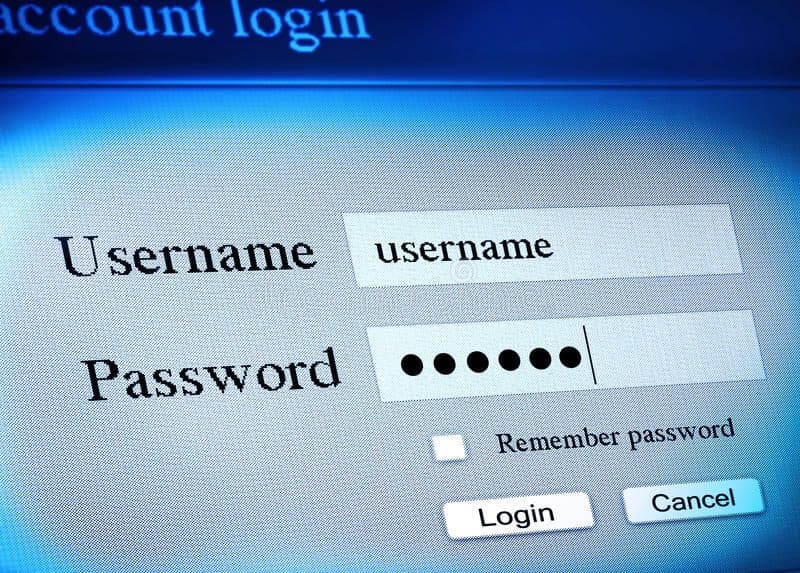
Weak passwords like "1234" invite easy entry, just like a master key for burglars. Create unbreakable ones with these rules:
Aim for 16+ characters mixing uppercase, lowercase, numbers, and symbols.
Never reuse passwords across sites one breach exposes everything.
Pro Tip: Build a memorable passphrase such as "Banana#Sky76OceanLaptop!" instead of random strings you forget.
2. Enable Two-Factor Authentication (2FA) Everywhere
Even stolen passwords won't help hackers with 2FA adding a second verification step. Skip SMS opt for apps like Google Authenticator or Authy to avoid SIM-swapping attacks.
Set it up on key accounts:
Email (Gmail, Outlook).
Banking and PayPal.
Social media (Facebook, Instagram, X).
This blocks 99% of automated attacks.
3. Keep Software and OS Updated
Outdated systems have known holes hackers exploit daily. Enable auto-updates to stay patched without effort.
Turn on automatic updates for Windows, macOS, browsers, and apps.
Regularly check antivirus and plugins.
Uninstall unused programs they're vulnerability magnets.
Restart weekly to apply changes fully.
4. Install Reputable Antivirus and Firewall
Antivirus scans for malware in real-time, while firewalls block sneaky inbound traffic. Free built-ins like Windows Defender work well if updated religiously.
Choose paid options like Bitdefender or Malwarebytes for extras like ransomware shields.
Test with free scans monthly.
Avoid sketchy "free" downloads they often carry threats.
5. Secure Your Home Wi-Fi Network
Wi-Fi is your digital gateway; defaults scream "hack me." Lock it down fast:
Change the router's default password from "admin."
Switch to WPA3 encryption (or WPA2 if unavailable).
Disable remote management and WPS.
Hide your SSID to deter casual scans.
Use your ISP's app or manual (192.168.1.1) for setup.
6. Be Skeptical of Emails and Links
Phishing tricks you into handing over keys panic emails are the bait. Pause and verify:
Hover over links to reveal true URLs.
Skip attachments from unknowns.
Log in directly via official apps or sites.
If suspicious, forward to the company's abuse team.
7. Use a VPN on Public Wi-Fi
Public networks expose data like an open window. VPNs encrypt everything, hiding you from snoopers.
Pick no-log providers like ExpressVPN or Mullvad.
Enable always-on for cafes, airports, travel.
Avoid free VPNs they sell your data.
Conclusion
Cybersecurity doesn’t require you to be a tech expert it’s about building simple, consistent habits that protect your digital life every day. Just like locking your doors, switching on your alarm, and staying alert to strangers, each step you take strong passwords, 2FA, updates, and cautious browsing adds another layer of defense. By applying the steps in this guide, you dramatically reduce your risk and stay ahead of common threats.