
What to Do If Your Social Media Account Gets Hacked: Step-by-Step Recovery Guide
4 min read • 31 views
Unknown Author
May 5, 2026
Introduction
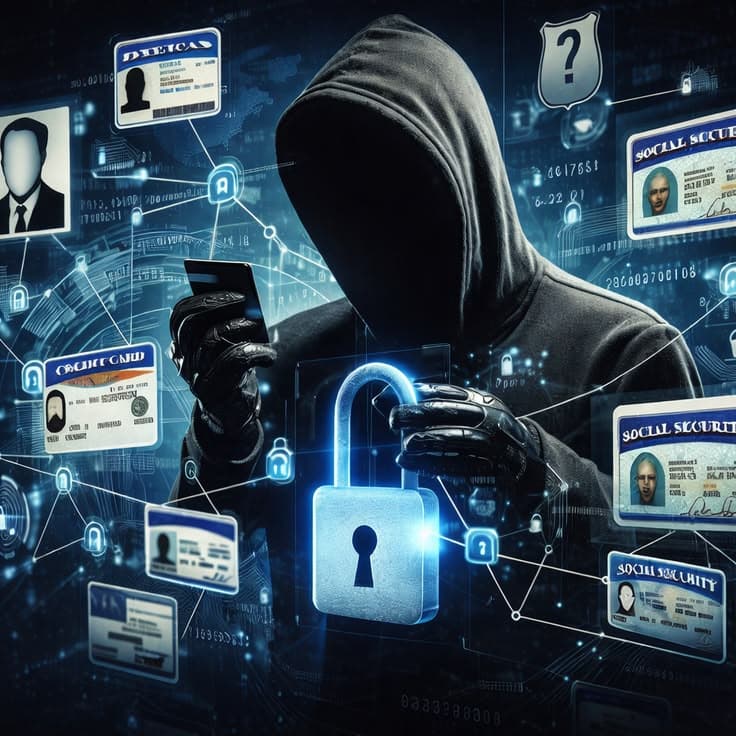
Imagine logging into Instagram one morning, only to find your profile posting bizarre scams or spam messages to all your followers. Your heart sinks as notifications flood in from worried friends. If you've ever faced a hacked social media account, you know the panic that sets in. According to cybersecurity firm Norton, over 2.6 billion personal records were exposed in data breaches last year alone, making social media hacks more common than ever. But don't worry this guide walks you through exactly what to do if your social media gets hacked, from immediate recovery actions to long-term prevention.
Spot the Signs Your Social Media Account Is Hacked
Before diving into fixes, recognize the red flags early. Hackers often change subtle details to maintain control while wreaking havoc. Common signs include unauthorized posts promoting crypto scams or fake giveaways I've seen friends' Facebook accounts flooded with "Send $100, get $1000 back" messages. Other indicators: login alerts from unfamiliar locations like Russia or Nigeria, profile picture or bio changes you didn't make, or two-factor authentication (2FA) suddenly disabled.
Step 1: Secure Your Account Immediately Don't Panic, Act Fast
The first 24 hours are critical when your social media account is compromised. Start by logging out from all devices. On most platforms, go to settings > security > "Where you're logged in" (or similar) and sign out everywhere. For a hacked Instagram account, use the app's "Log out of all devices" feature under your profile settings.
Next, change your password but not from the hacked device. Use a trusted computer or phone, and create a strong, unique password (at least 16 characters with letters, numbers, symbols). Tools like LastPass or Bitwarden generate these effortlessly. Enable 2FA right away if it's off; apps like Google Authenticator are more secure than SMS, as SIM-swapping attacks bypass text codes.
Step 2: Report the Hack and Recover Access
Contact the platform directly. For Facebook or Instagram (both Meta-owned), use the "Hacked account" recovery form at facebook.com/hacked or instagram.com/hacked. Provide proof like your original signup email or phone number. Twitter/X has a similar "Help center" form under account recovery.
If locked out completely, submit an ID verification upload a government-issued photo ID. Meta approves most legitimate claims within 48 hours, per their support stats. For TikTok, go to profile > Settings > Report a problem > Account hacked.
While waiting, check your linked email. Hackers often target it next. Change that password too, and scan for malware using free tools like Malwarebytes. In one case I handled, the hacker had installed a keylogger via a phishing email, so running a full scan was key.
Step 3: Clean Up the Damage and Notify Contacts
Once back in, delete all unauthorized posts, messages, and friend requests. On Facebook, use the Activity Log to bulk-remove spam. Warn followers via a pinned post: "My account was hacked ignore any weird messages from the past day!"
Review privacy settings: Set posts to "Friends only," limit who can message you, and hide your email/phone from public view. For businesses, this step protects brand reputation I've advised startups whose hacked LinkedIn pages led to lost partnerships.
Common Ways Social Media Accounts Get Hacked (And How to Avoid Them)
Understanding the "how" prevents repeats. Phishing tops the list: Fake login pages trick you into entering credentials. Always check URLs legit Instagram is instagram.com, not instagrarn.com.
Weak or reused passwords affect 81% of breaches. Public Wi-Fi is another hotspot; hackers snoop with packet sniffers. Malware from shady apps or extensions sneaks in too stick to official app stores.
Best practice: Use a password manager and unique logins per site. Enable login alerts for new devices. In East Africa, where mobile money scams spike, I've seen hackers pivot from social media to M-Pesa the link verification is essential.