

Unsafe passwords to use right now
3 min read • 16 views
Unknown Author
May 16, 2026
Introductions
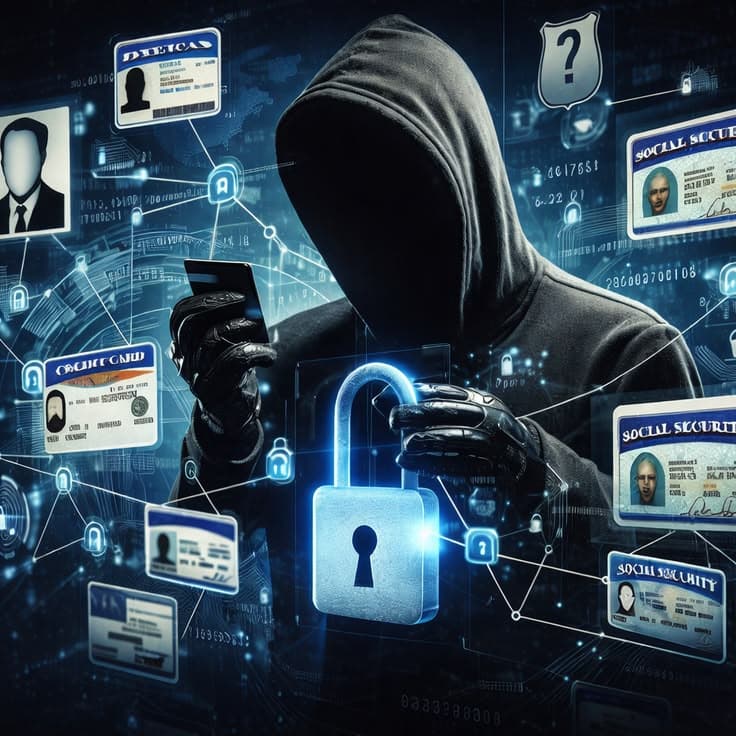
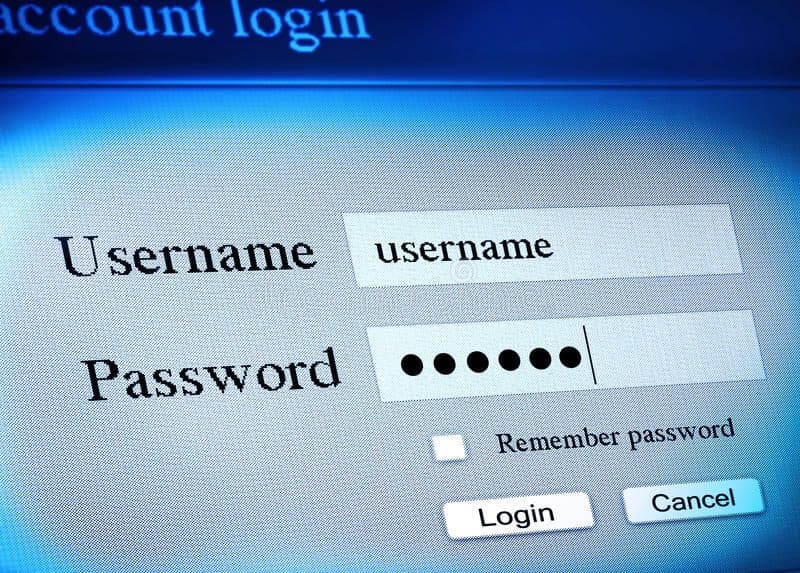
Today digital world requires one to be vigilant and informed, to reduce the risk of being hacked. Once I heard a friend say "i will have a different password when i get rich now i use the same password". Cyber criminals now can hack devices with weak passwords easily using automated machines in seconds. Here i have listed passwords that are outdated and should never use.
The Worst Password Choices
Personal information
When you are being targeted or your organization, personal information would be one of the first weak points to check. To be safe start by sealing your own personal information like date of birth mostly used by our parents, names either our own or those we love ,pets this information are easily accessible via social media
Sequential patterns
The first password that comes to my mind whenever I am in front of a computer that is not mine is 1234567890. Perhaps it is because I have seen it so many times, or because it is easy to remember.
Avoid simple number sequences like 123456, 123456789, or qwerty. These are the most common passwords and can be cracked instantly. Keyboard patterns like asdfgh or zxcvbn are equally dangerous
Repeated characters
Another weak passwords would be repeated numbers or character. Passwords like 111111, 112233, or 123123 are extremely weak. They're easy to guess and appear on every "worst passwords" list.
Dictionary words
Single words from the dictionary (password, admin, secret, welcome, sunshine, etc.) are vulnerable to dictionary attacks where hackers try every word in their database.
Simple substitutions:
Passwords like Pass@123 or P@ssw0rd are easily cracked. Hackers know these common substitutions and try them automatically.
Why These Are Dangerous
Hackers use several methods to crack weak passwords:
Brute force attacks: Trying every possible combination until they succeed
Dictionary attacks: Using lists of common passwords and words
Rainbow table attacks: Using precomputed tables of hash values
Most of the passwords listed above can be cracked in less than a second. Using the same password across multiple accounts is even worse - one breach can compromise all your accounts
How to Create Strong Passwords
Length matters: Use at least 8–16 characters. Longer passwords are exponentially harder to crack, while still being memorable enough to remember easily.
Mix character types: Combine uppercase letters, lowercase letters, numbers, and special symbols. However, avoid predictable substitutions such as replacing “a” with “@” or “s” with “$”, since attackers already expect these patterns.
Use randomness: Create random combinations instead of meaningful words or common patterns. For example:
G&7mK9@pR2!vQUse passphrases: Combine multiple unrelated words to create a password that is both memorable and secure. For example:
PurpleTiger$Bicycle7!Avoid common patterns: Do not use simple sequences like
123456, keyboard patterns likeqwerty, or personal information such as birthdays, names, or phone numbers.Use unique passwords: Never reuse the same password across multiple accounts. If one account is compromised, reused passwords put your other accounts at risk as well.
Enable extra security: Whenever possible, turn on two-factor authentication (2FA) or use passkeys for added protection.